-
Courses

Courses
Choosing a course is one of the most important decisions you'll ever make! View our courses and see what our students and lecturers have to say about the courses you are interested in at the links below.
-
University Life
University Life
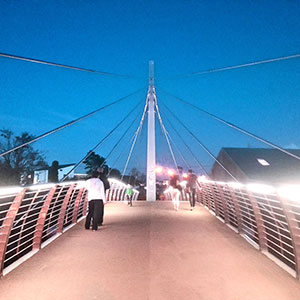
Each year more than 4,000 choose University of Galway as their University of choice. Find out what life at University of Galway is all about here.
-
About University of Galway

About University of Galway
Since 1845, University of Galway has been sharing the highest quality teaching and research with Ireland and the world. Find out what makes our University so special – from our distinguished history to the latest news and campus developments.
-
Colleges & Schools
Colleges & Schools
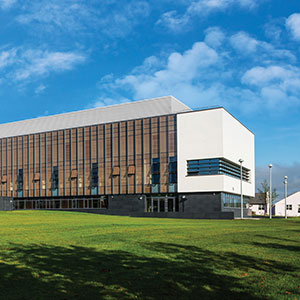
University of Galway has earned international recognition as a research-led university with a commitment to top quality teaching across a range of key areas of expertise.
-
Research & Innovation

Research & Innovation
University of Galway’s vibrant research community take on some of the most pressing challenges of our times.
-
Business & Industry
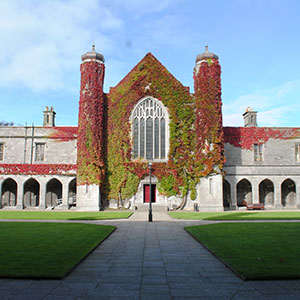
Guiding Breakthrough Research at University of Galway
We explore and facilitate commercial opportunities for the research community at University of Galway, as well as facilitating industry partnership.
-
Alumni, Friends & Supporters
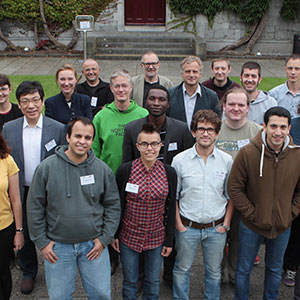
Alumni, Friends & Supporters
There are over 90,000 University of Galway graduates Worldwide, connect with us and tap into the online community.
-
Community Engagement
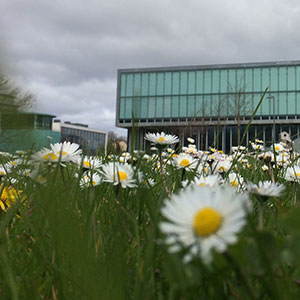
Community Engagement
At University of Galway, we believe that the best learning takes place when you apply what you learn in a real world context. That's why many of our courses include work placements or community projects.
School of Computer Science
Danu6.it.nuigalway.ieSamples HomeThis picture below is actually generated on the fly by php If you wish to do the same then use the normal html IMG tage with the SRC pointing to a php page. In the php page put the code to generate a picture It shows a black image of 600 x 30 pixels, with the time and date overlayed as a string PHP Code to generate the above:
Normal HTML code to display an image: <img src="picture.jpg">
|